
Available now

Sell, collect and pay from a single app.
Wallet, point of sale, catalog, orders and payouts for people and businesses, in one place.
Electronic charges turn on once we complete regulatory permits and each payment provider's credentials. Until then they don't move real money, and the app shows it on every charge.
- Exact accountingImmutable cent-exact ledger
- Single appPersonal, merchant and team
- Real timeInstant QR, register, orders and alerts
- Modules by verticalEnable only what your business uses
For people
Pay with QR
Scan the store's code or open a payment link and confirm with your PIN.
Send and receive money
Share your personal code or scan the recipient's; the balance arrives instantly.
Shop at local stores
Discover products, pay for everything in one charge and pick up in store with a code.
Your account, protected
Confirmation PIN, active sessions in sight and control of your personal data.
For businesses
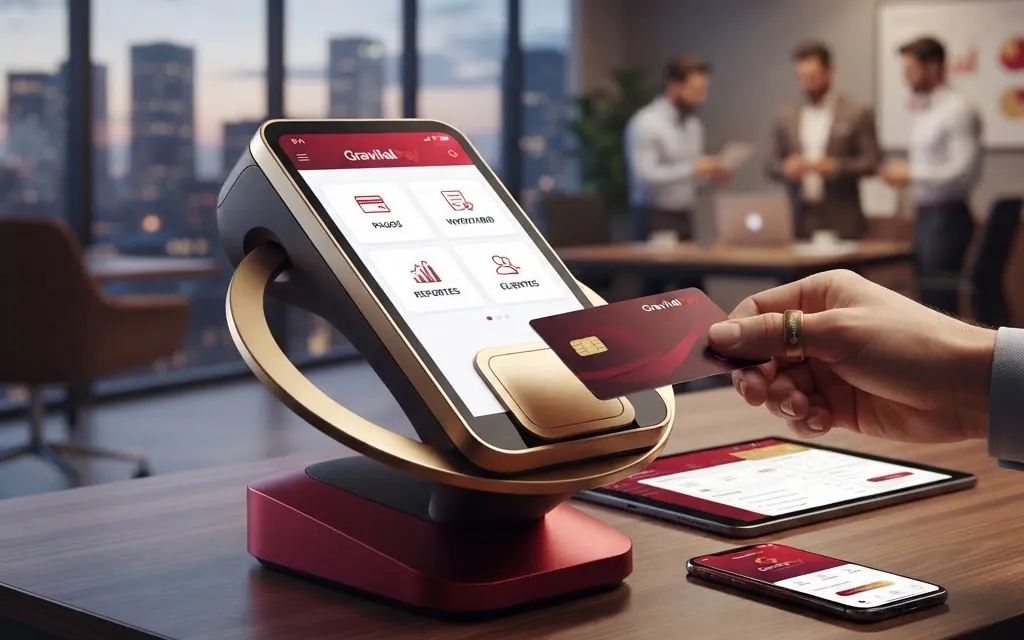
Point of sale
Sell with a scanner, take cash or GravitalPay balance and close the day with a count and Z report.
Products and inventory
Warehouses per branch, lots with expiry dates, supplier purchases and reorder suggestions.
Online orders
Publish your storefront, accept orders and hand them over in store with a pickup code.
Payments and payouts
Payments received, refunds and scheduled payouts to your account.
Electronic invoicing
Invoices and credit notes with your tax profile; turns on once an authorized e-invoicing provider (PAC) is connected.
Your team
Branches, roles and per-person permissions; you decide which features to turn on.
How every operation works under the hood
Open each flow to walk step by step through what happens in seconds between your device and the GravitalPay core.
1. Charge with QR code or payment linkInstant Payment · Double-entry From your phone camera to the ledger in milliseconds, with upfront fee breakdown and secure confirmation.
- The merchant displays a terminal QR code or shares a unique payment link with a fixed or open amount.
- The customer scans the code and sees the verified business name and full breakdown before authorizing.
- Upon confirming with PIN or biometrics, the system reserves the funds and captures the immutable double-entry ledger entry.
- Both screens receive live confirmation in real time and the receipt is recorded instantly.
2. In-person register sale (cash and GravitalPay balance)POS · Inventory · Z Report Fast counter checkout with barcode scanning, exact change calculation and denomination count at close.
- The cashier opens a register session at their assigned branch with their starting cash float.
- Items are added via camera or barcode scanner; prices and applicable taxes come directly from the catalog.
- Payment is recorded in cash (with exact change calculation) or GravitalPay balance and the receipt is issued.
- Inventory deducts stock from that branch's warehouse and closing the shift produces the denomination count and Z report.
3. Multi-store marketplace purchaseSingle charge · Pickup code A shared cart that reserves stock and splits the payment automatically across participating stores.
- The shopper browses storefronts from multiple businesses and adds items into a single cart.
- At checkout, the system reserves stock with a time limit and executes one charge split per merchant.
- Each business receives its sub-order to accept and prepare within the acceptance window.
- The customer picks up in store with a 6-digit code; if a store declines, its share is refunded and stock is released.
4. Purchasing, lot inventory and settlementFEFO · Warehouses · Payouts End-to-end control from supplier purchase orders to scheduled settlement batches.
- Create purchase orders for suppliers and log goods reception at each branch warehouse.
- Assign lot numbers and expiry dates so earliest-expiring stock ships first (FEFO) and damaged units stay quarantined.
- Get reorder suggestions based on product movement and transfer stock between branches with full traceability.
- Electronic charges accumulated in your merchant payable balance are grouped on schedule toward your step-up protected payout destination.
Adapts to your line of business
When registering your business you pick your vertical and GravitalPay turns on the right modules, with no unnecessary screens.
Retail and hardware stores Counter checkout, barcode scanning, multi-warehouse stock and supplier replenishment.
- Point of sale with scanner, parked sales, returns and Z report closing
- Catalog with categories, barcodes and bulk import
- Per-branch warehouses, supplier purchase orders and reorder suggestions
- Optional marketplace storefront for online orders with in-store pickup
Food, cafés and perishables Expiry-first stock rotation, fast counter checkout and online storefront.
- Lot-tracked inventory with expiry dates and FEFO dispatch
- Upcoming expiry alerts and damaged or missing item logging on reception
- Fast register for cash or GravitalPay QR charges
- Marketplace publishing with quick order acceptance
Pharmacies, clinics and supplies Lot traceability, quarantined stock isolation and strict branch permissions.
- Lot reception with mandatory expiry dates and blocked stock quarantine
- Combined catalog of physical products and professional services
- Granular per-branch and per-role permissions for every team member
- Electronic invoicing with tax profile and credit or debit notes
Professional services and distribution Multi-branch teams, inter-warehouse transfers and payment links.
- Traceable stock transfers between warehouses and branches
- Remote collection via payment links or per-branch QR terminals
- Custom roles with anti-escalation permission rules
- Scheduled payouts and complete movement history
How to start
- Download the app.
- Create your account or register your business.
- Collect and pay with a QR code.
Coming soon
- Home delivery
- Payroll and attendance
- Business analytics
Clear pricing
No monthly fee: 2.50% + ITBMS per electronic charge. People pay nothing.
Download GravitalPay
Android
APK installer · 0.25.15 · 55.4 MB
Linux
Coming soon on this site
Web app
Use it in your browser